GTV Player
Tools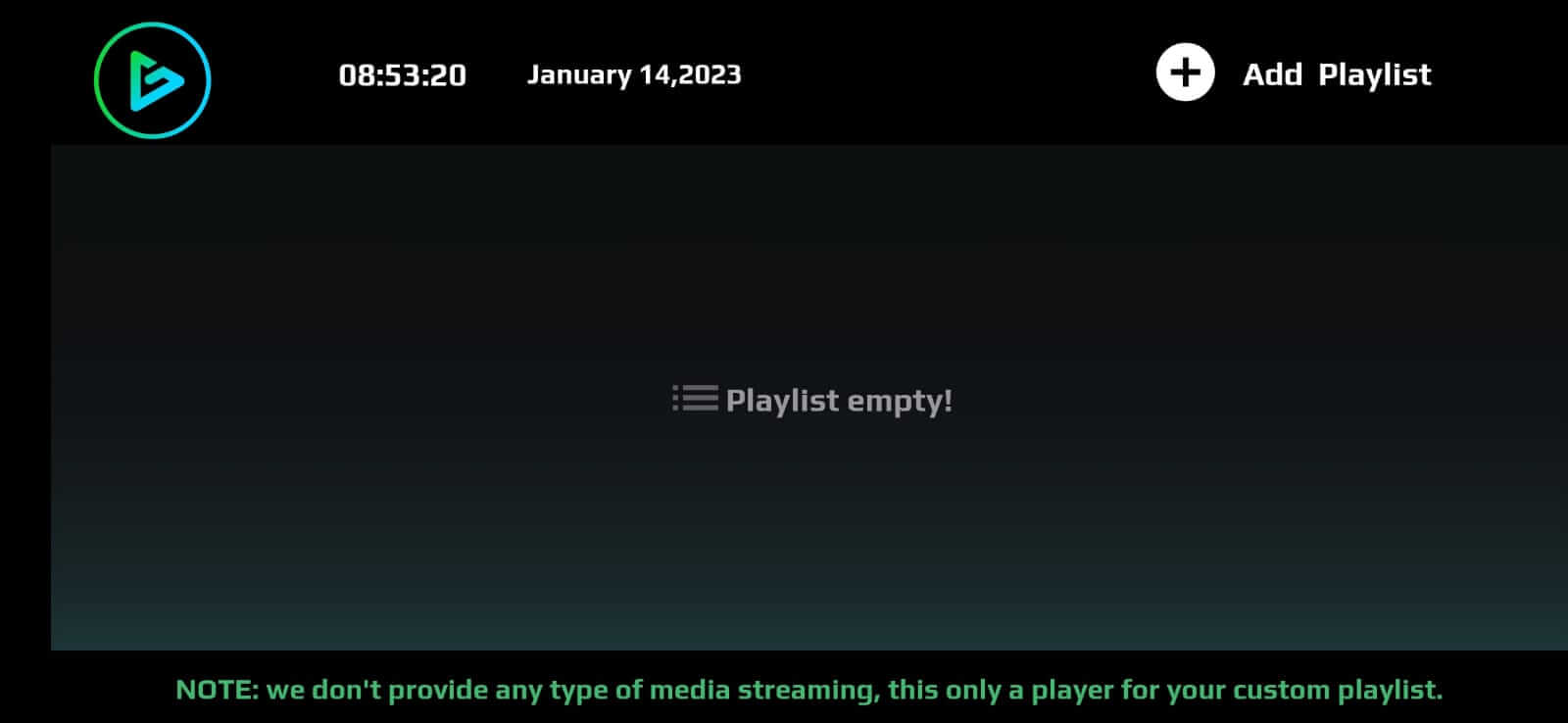
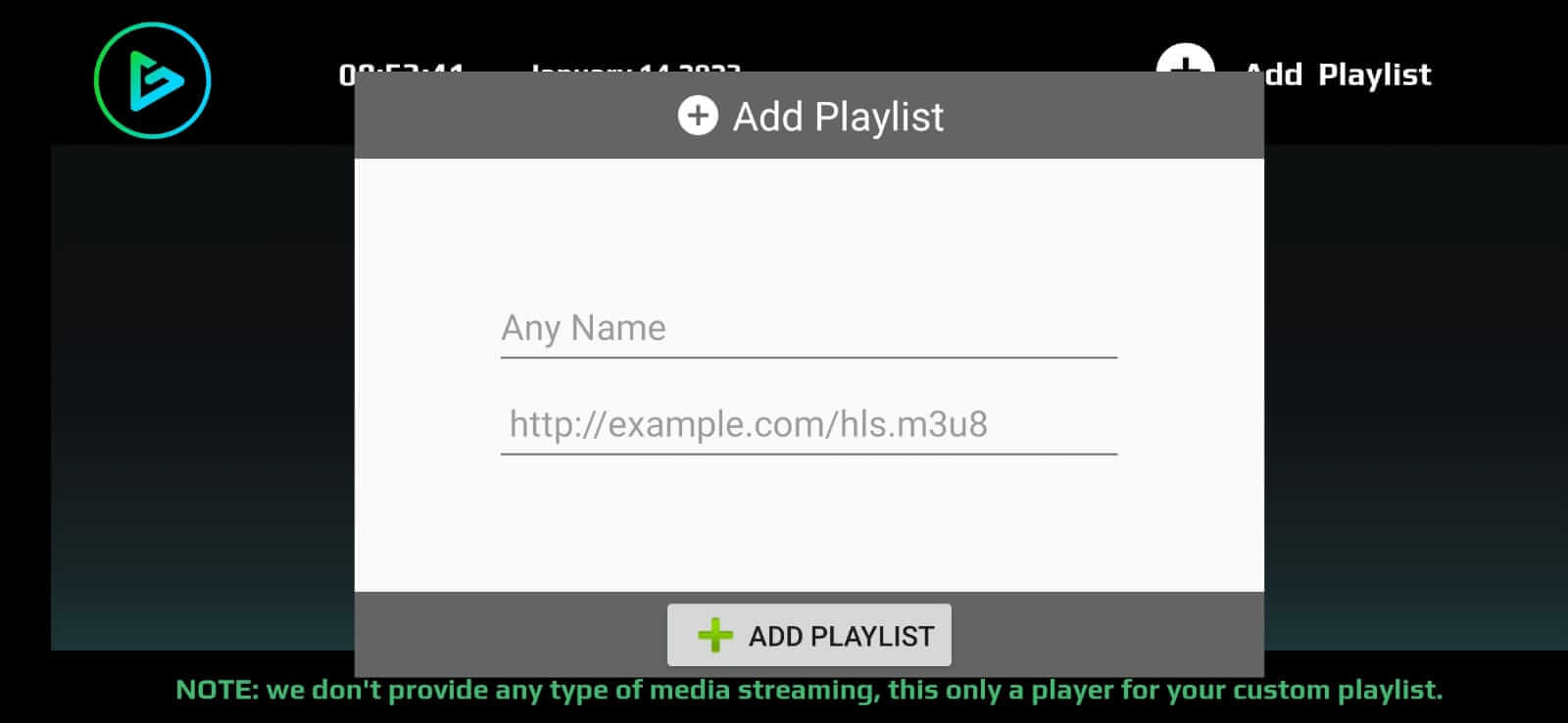
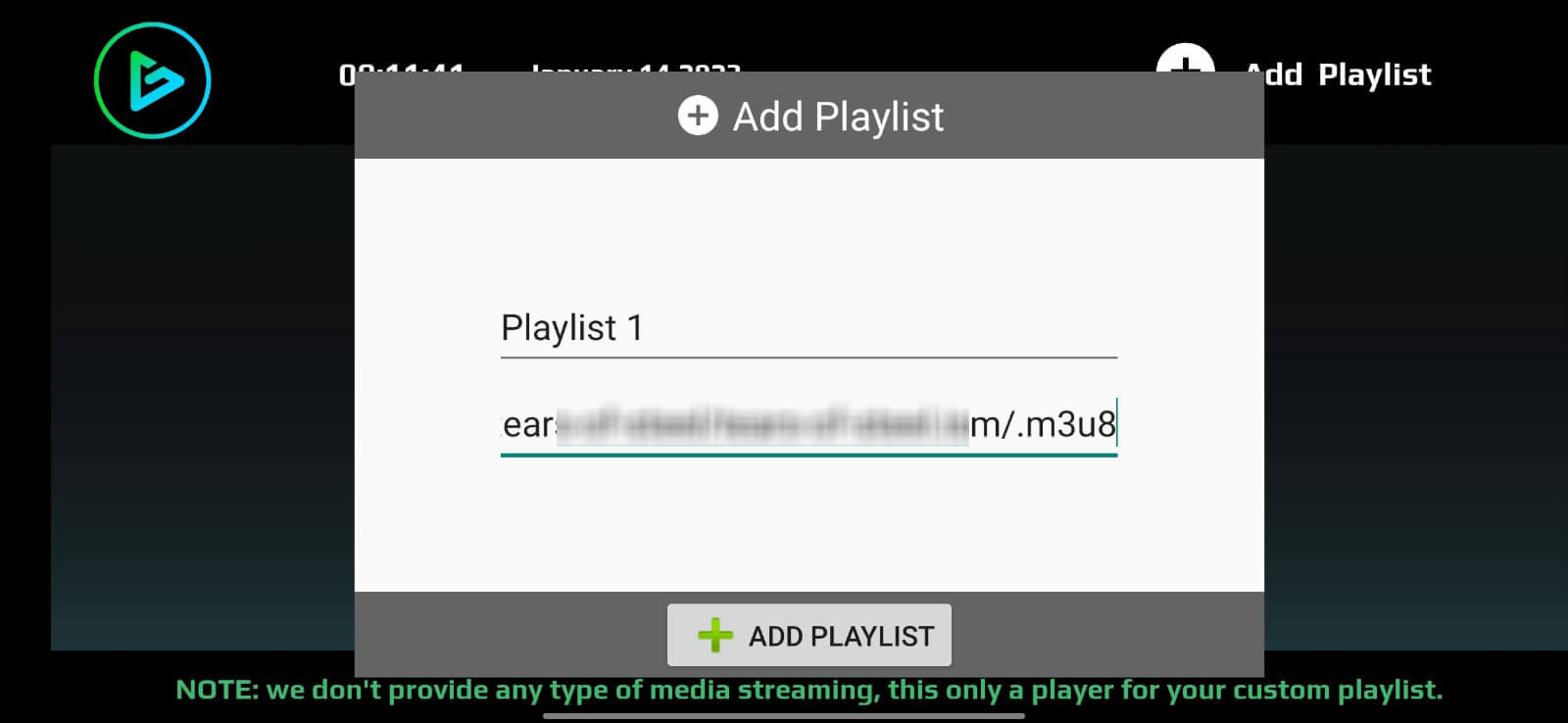




GTV Player is a lightweight Android media player that focuses on streaming and local playback. It handles direct HTTP links, M3U playlists, and a range of common video and audio formats. The app is free, has a small footprint, and is designed for users who need a straightforward player without extra frills.
This page provides the latest APK details, installation guide, compatibility notes, and practical tips to help you get the most out of GTV Player.
Quick Information
| App/Game Name | GTV Player |
| Latest Version | 1.0 |
| Developer | Not listed |
| Category | Apps / Tools |
| App Size | 33.39 MB |
| Package Name | tv.metaip.app |
| Last Updated | 19 January 2026 |
What Is GTV Player?
GTV Player is a media player for Android devices. Its core functions include playing direct HTTP streams, loading M3U playlist files, and opening local media files. Supported formats cover popular video containers such as MP4, MOV, MKV, AVI and audio types like FLAC. The app is aimed at users who want a simple, free player for both streaming and offline content. It does not include built‑in video editing, subtitle downloading, or DRM‑protected content handling.
Compatibility
| Android Version | ✓ Verified — Android 4.4 and later |
| Architecture (ARM64 / 32-bit) | ✓ Verified — Supports common device architectures |
| Internet Connection | ✓ Verified — May be required for ads, updates, or login |
| Storage Needed | Not Verified |
| OBB/Data Files | Not Verified |
| Root Required | Not Verified |
How to Install
- Download the GTV Player APK file from a trusted source.
- On your Android device, open Settings → Security (or Privacy → Install unknown apps) and enable installation from the source you used.
- Locate the downloaded
GTV_Player.apkfile using a file manager and tap it. - Follow the on‑screen prompts to complete the installation.
- Once installed, open the app and grant any requested permissions (e.g., storage access for local files).
Troubleshooting
- App not installed: Ensure you have enabled installation from unknown sources and that the APK is not corrupted. Verify that the file matches the advertised size (33.39 MB).
- Crashes on startup: Clear the app cache via Settings → Apps → GTV Player → Storage → Clear cache. If the issue persists, reinstall the APK.
- Playback fails for certain files: Confirm the file format is supported (MP4, MOV, MKV, AVI, FLAC, etc.). Try converting the file to a supported codec.
- Streaming links do not load: Check your internet connection and verify that the URL points directly to a media stream (not a webpage).
- Permissions denied: The player needs storage permission for local files and network permission for streaming. Re‑grant these in Settings → Apps → GTV Player → Permissions.
Safety & Security
GTV Player is a standard Android application, not a modified build. As with any APK, download it from a reputable source and scan the file with an up‑to‑date antivirus before installing. Review the permissions the app requests; it typically needs access to storage and network. Keep the app updated to benefit from bug fixes and security patches.
How GTV Player Compares
| Feature | GTV Player | VLC for Android | MX Player | Kodi |
|---|---|---|---|---|
| Price / Free model | Free | Free (open‑source) | Free with ads (premium option) | Free (open‑source) |
| Platform availability | Android only | Android, iOS, Windows, macOS, Linux | Android only | Android, Windows, macOS, Linux, iOS (via third‑party) |
| Standout feature | Simple HTTP and M3U streaming | Broadest codec support, no ads | Hardware‑accelerated playback, subtitle support | Full media‑center experience with add‑ons |
| Best for | Quick streaming of direct links | All‑around playback without extra features | Performance‑focused video playback | Home‑theater setups and extensive library management |
Alternatives
- VLC for Android – Open‑source, ad‑free, supports virtually every media format and network protocol.
- MX Player – Popular for its hardware acceleration, subtitle handling, and optional premium features.
- Kodi – Turns your device into a full media center with add‑ons for streaming services and extensive library organization.
Final Verdict
GTV Player offers a no‑frills solution for playing direct streams and common media files on Android. It’s best suited for users who want a lightweight, free player without the extra features of larger apps. Verify the APK source, grant only necessary permissions, and be aware that it lacks advanced subtitle or DRM support. If you need a richer feature set, consider VLC, MX Player, or Kodi.
Frequently Asked Questions
Yes, as long as you download the APK from a reputable source and scan it with an up‑to‑date antivirus, the app is safe to install.
GTV Player can play MP4, MOV, MKV, AVI video files and audio formats such as FLAC, among other common codecs.
Yes, the app is designed to handle direct HTTP streams and M3U playlist files for online playback.
No root access is needed; the app only requests standard storage and network permissions to access media files and streams.
Check the source where you downloaded the APK for a newer release, download the updated file, and reinstall it over the existing version.
This can happen if installation from unknown sources is disabled, the APK is corrupted, or the device’s Android version is incompatible.
Yes, GTV Player is required by GreenApp Player for streaming content, as it handles the actual media playback.
The official GTV Player is free and does not include ads; there is no separate paid or ad‑free version.